
Thursday, 7 May 2026
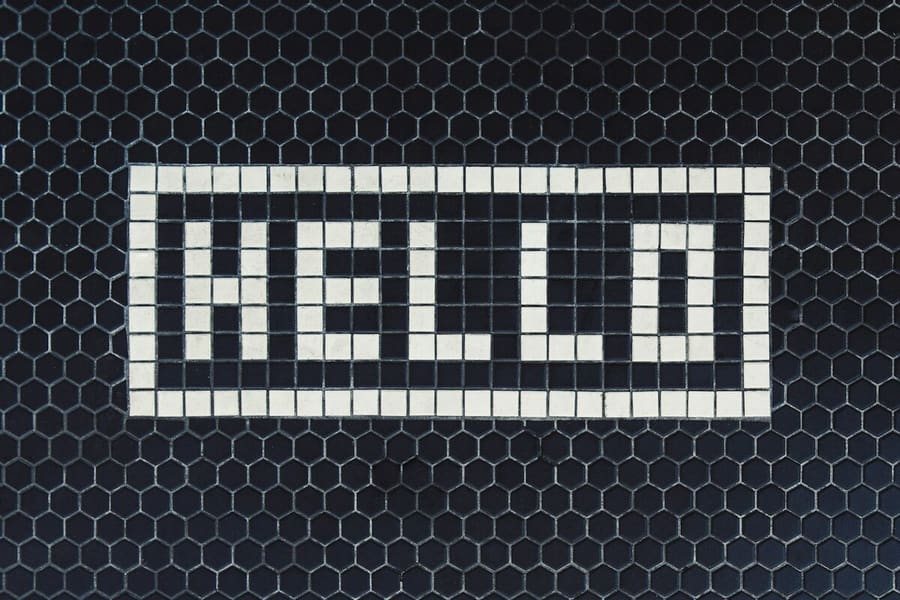
Hello, world!
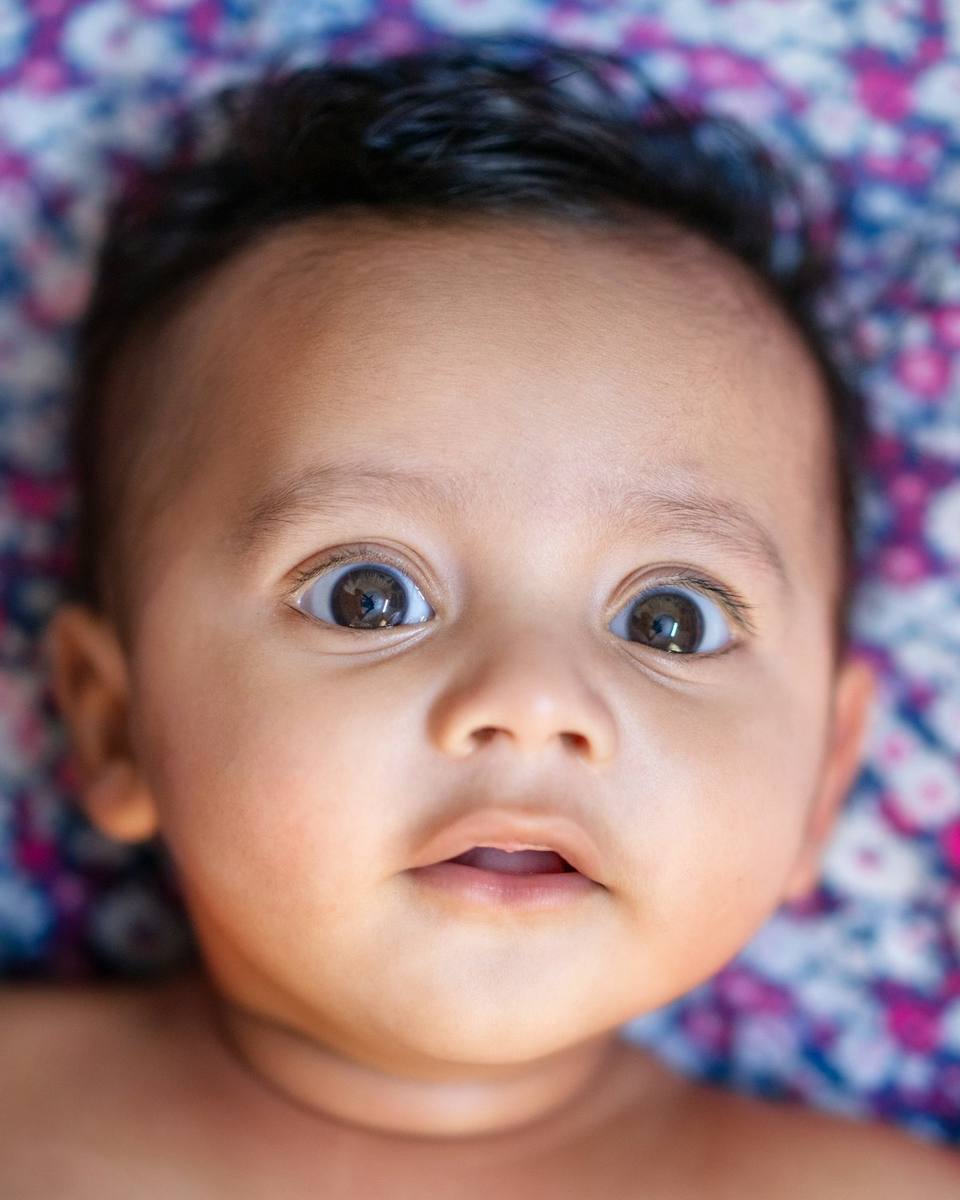
My full nameMira Sharma
I was born at6:42 in the morning
WhereCity Hospital, Pune
I weighed3.2 kg
I was this long49 cm
My name meanswonder, light
My first visitorsNani, Nana and Aunt Riya
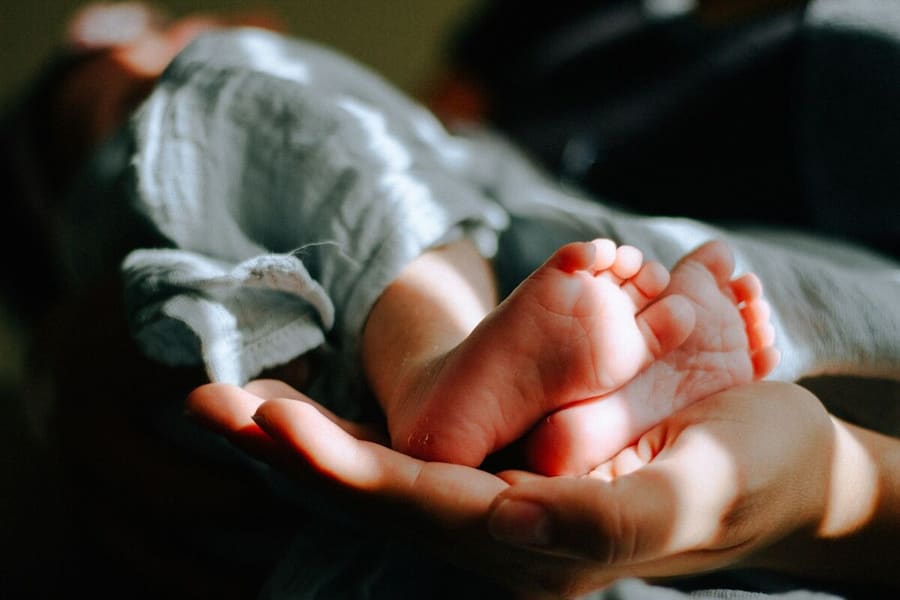
You arrived just as the sun came up, and the whole room went quiet.